
Prompting fundamentals
Three questions build the request: what is the goal, what permitted context is needed, and what would make the response useful. Before anyone relies on what comes back, you pause, check, and verify it.
Browse healthcare prompt examples for chats and agents.

Three safe-use questions come first
When work information is involved, answer these before you type anything. They take seconds, and they decide what the prompt can hold.

Is the tool approved for this purpose?
Use only tools your organization approved, for the data each one is cleared for. A tool cleared for patient information has a business associate agreement. Free and personal accounts on public chatbots usually have none, even when the same company sells a covered business version.
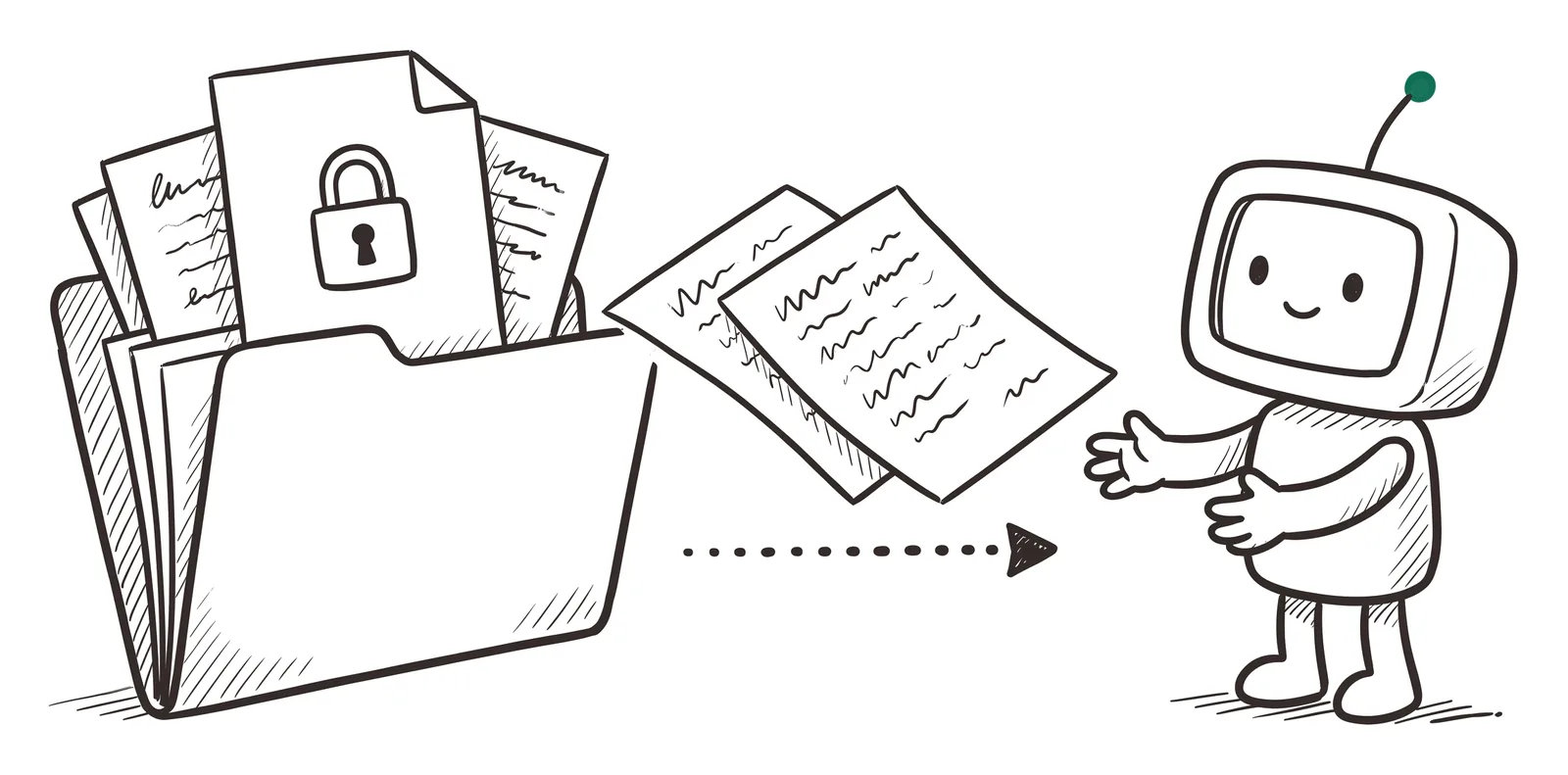
Is the information permitted in it?
Share only what the task needs. Many tasks, like a general handout, need no patient information at all.
If you're unsure, keep patient information out, including anything you attach.
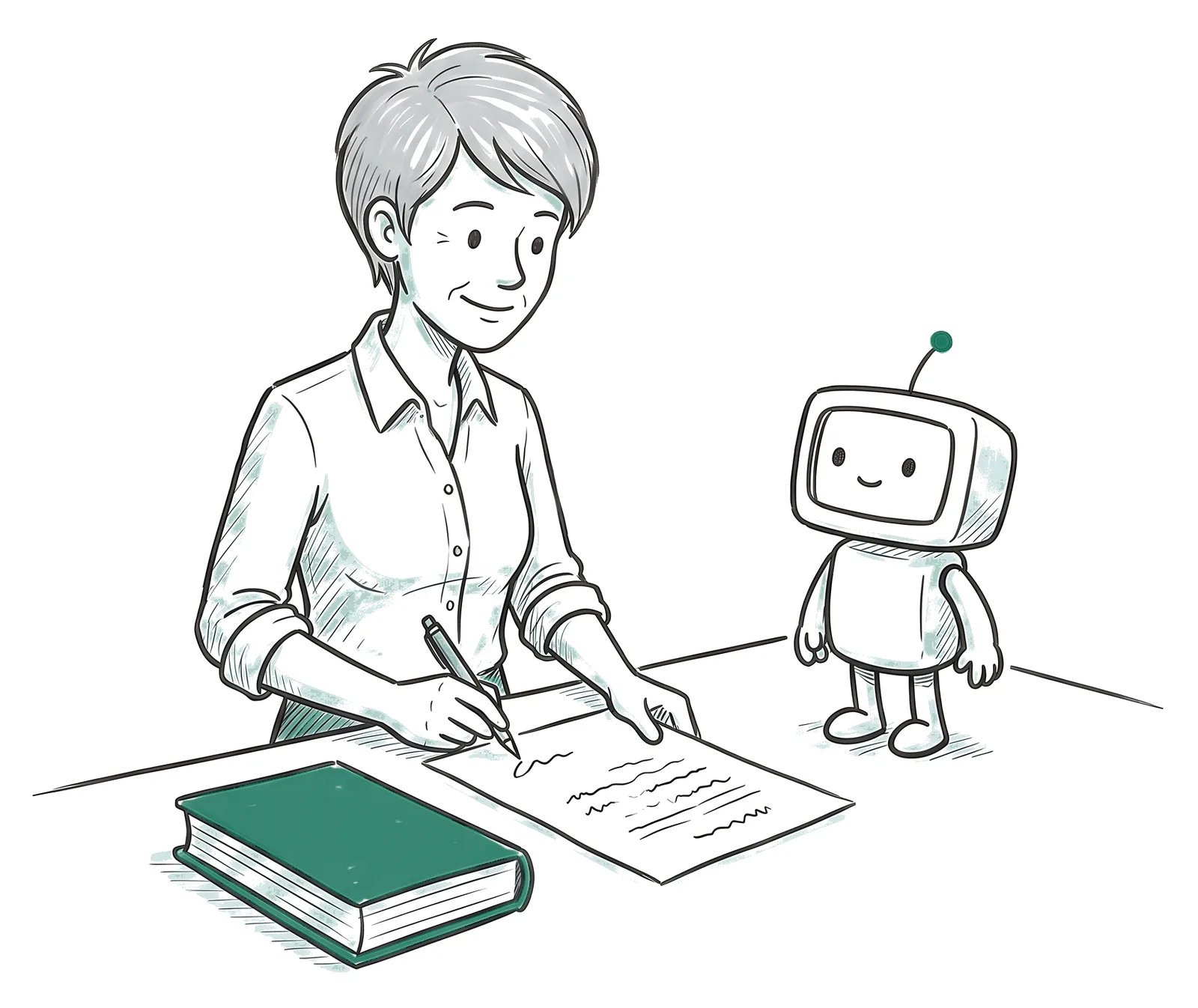
Who will review and own the result?
The AI drafts. You're accountable for what you send, sign, or act on, whether you asked for the draft or a colleague passed it to you.
Decide who checks it before anyone relies on it.
Report it fast. If patient or confidential data lands in a tool that isn't cleared for it, report it right away through your organization's reporting path. A fast report lets your privacy team limit the harm and meet its legal deadlines.
One meeting summary, built in three parts
A project lead wants a summary of Tuesday's meeting with next steps. Scroll to add each part and watch the handoff, and the draft, change.
Every draft on this page is a scripted teaching example. The meeting, the people, and the notes are fictional.
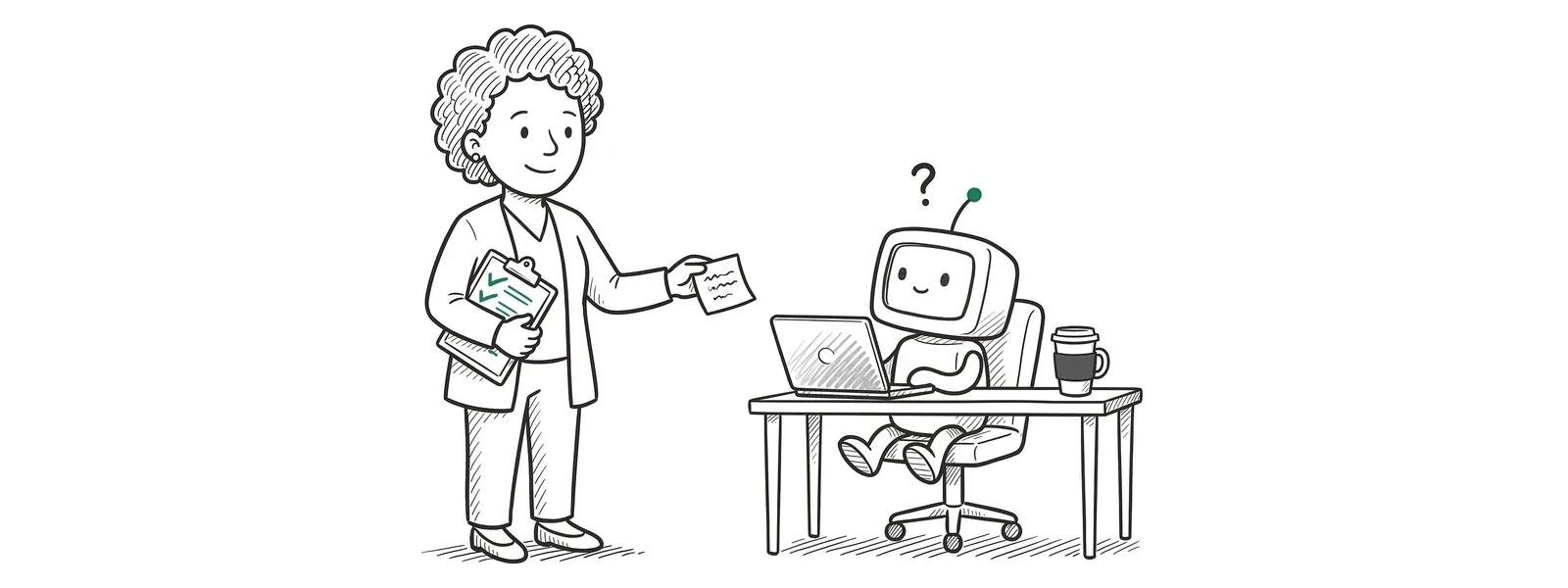

Describe what a useful response looks like
Context removes the guessing. Output shapes what comes back: its format, order, length, and voice.
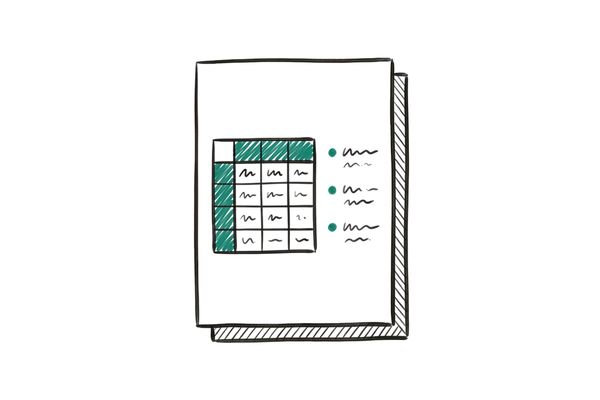
Format
A table, bullets, an email, a one-page handout.
Try: "Put next steps in a table."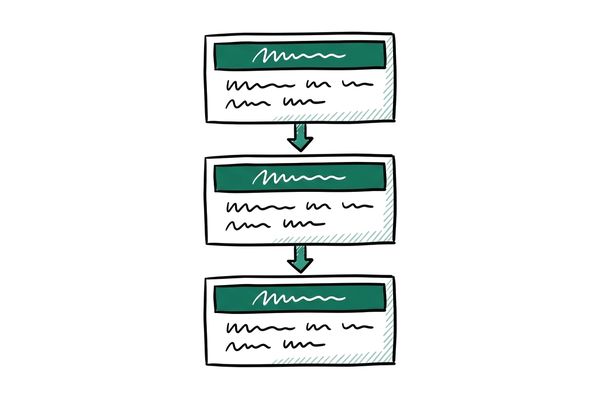
Structure and order
The sections you want, in the order you want them. Headings help anything longer than a few lines.
Try: "Decisions first, then next steps, then open questions."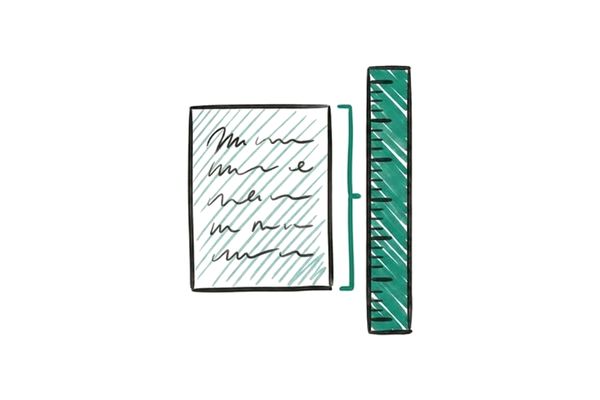
Length
A word limit or a page limit. Shorter often means clearer.
Try: "Under 150 words." "One page."
Tone and voice
How it should sound to the person reading it.
Try: "Plain and direct." "Warm and reassuring."
Audience and reading level
Who will read it, and how they read.
Try: "For patients who read at about a sixth-grade level."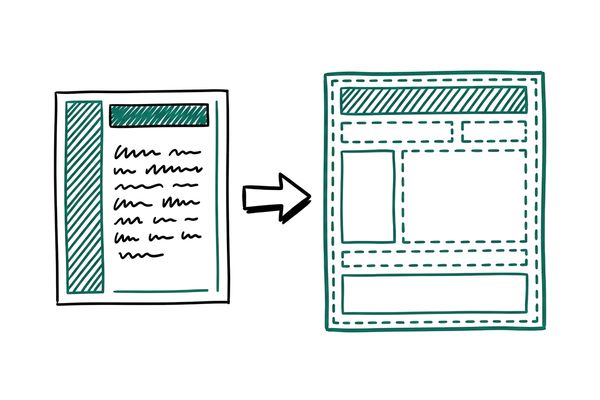
Example or template
Show the shape you want. Use a made-up or de-identified sample, since the tool can copy details from it.
Try: "Use this made-up summary as the format."
Include and leave out
What must be there, and what to skip.
Try: "Give every task an owner and a due date. Skip side conversations."
How to handle gaps
Tell it what to do when the information isn't there, so it says so instead of filling the gap.
Try: "If the notes don't settle something, write 'Not decided'."You rarely need all eight. Pick the ones that matter for the task, and add more if the first draft misses. A working prompt is often a full paragraph, and that's a normal length.
Build a patient handout
A primary care clinic wants a one-page handout for patients who were newly told they have high blood pressure. Before you prompt, answer one question.
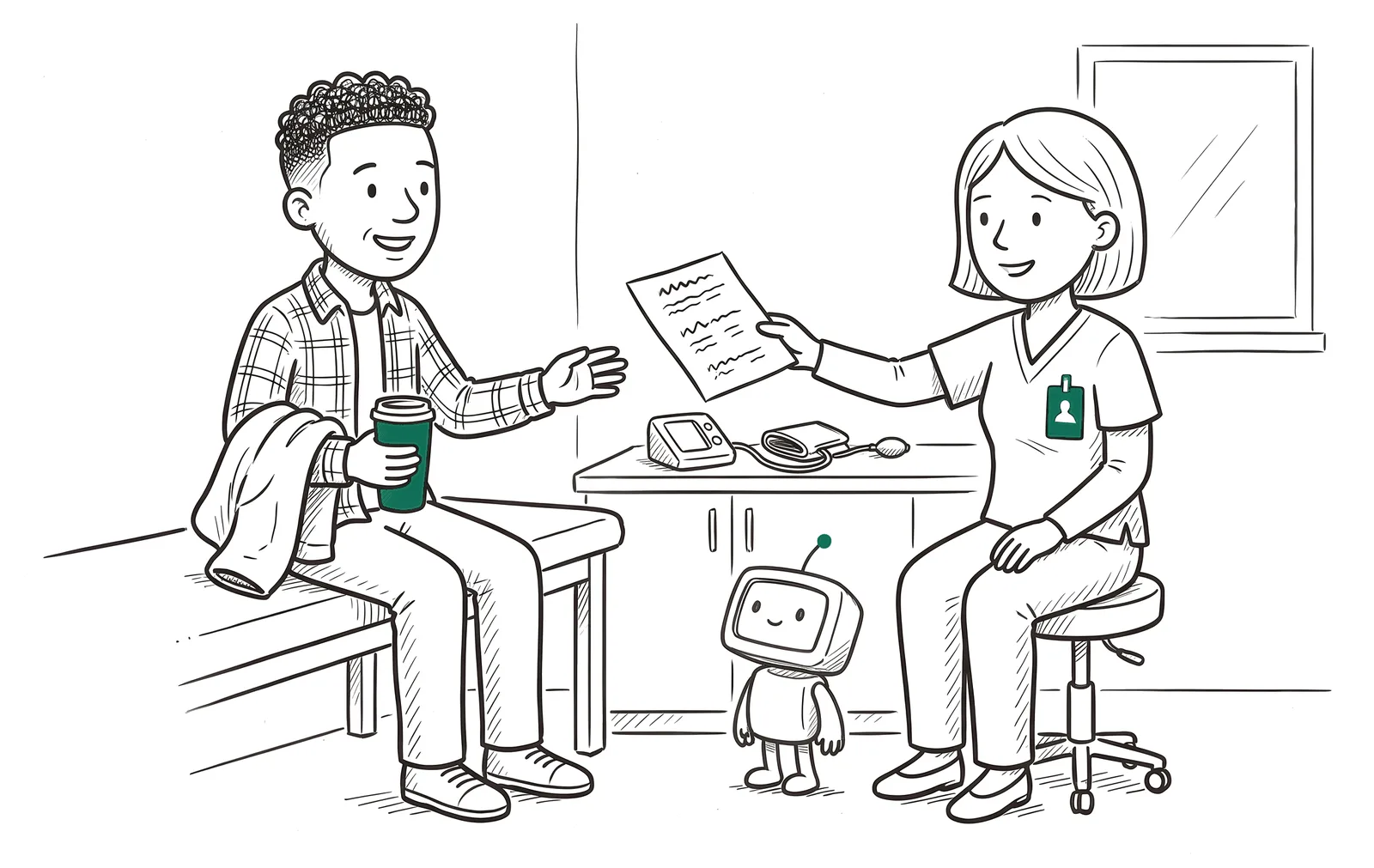
Is patient information permitted here? What does this task need?
Dotted underline with a number: guessed about your clinic. Dashed box: a health fact that a clinician checks before any handout is used, however complete the prompt. The health facts here follow NHLBI and CDC patient information.
Improve one part at a time
Read the first response, then send a focused follow-up that keeps the useful work and fixes a specific part. This review-and-revise cycle is called iteration.
Say the task where it counts
In a short prompt, lead with the task. When you paste a long document, say the task again after it, the way the meeting prompt did.
Context can be a meeting transcript, a shared folder, a system your approved tool can read, an attached file or screenshot, or notes you paste.
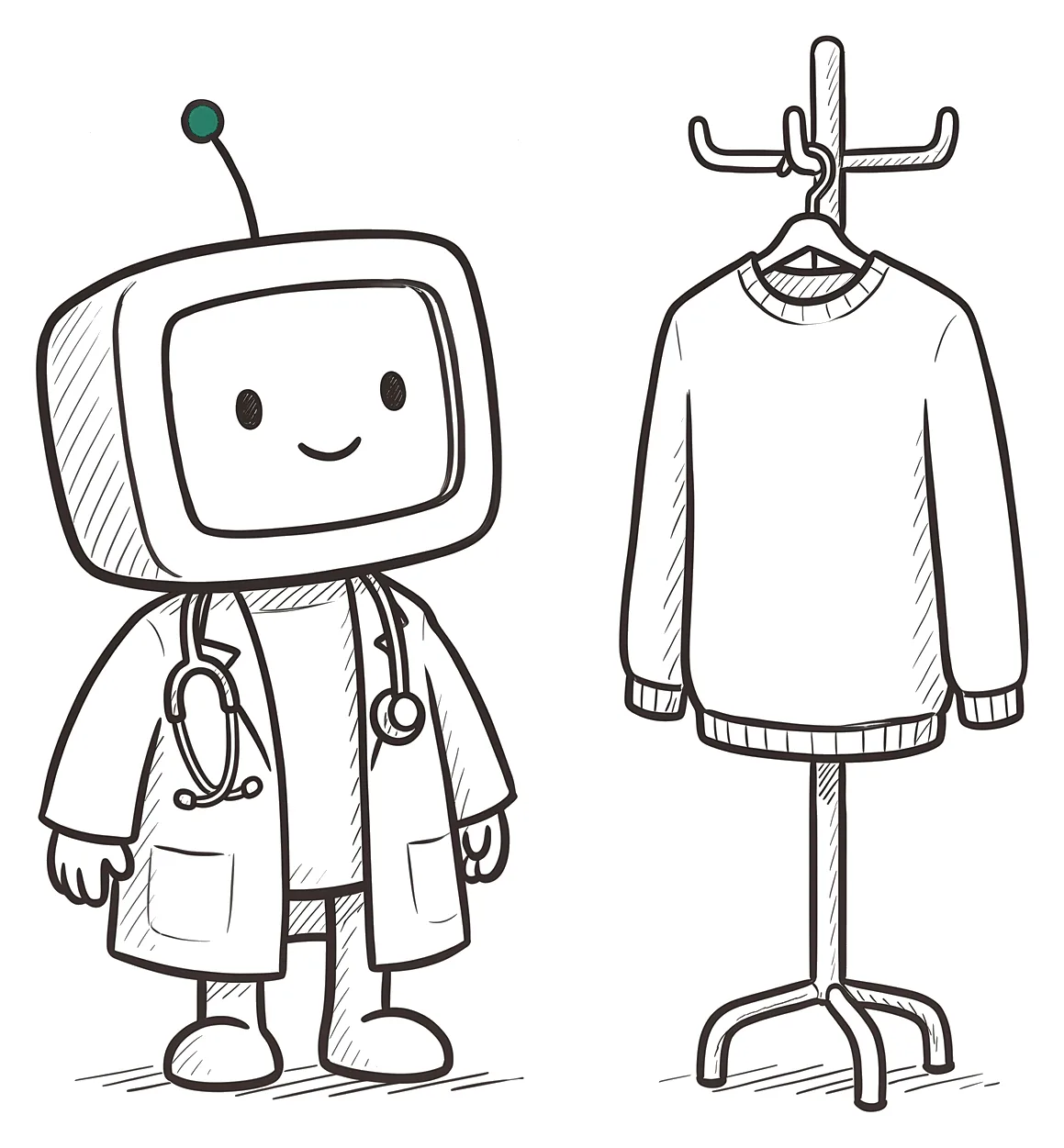
A role changes the voice
"At a sixth-grade reading level" changes the voice. "From a neurologist's angle" changes the emphasis.
Neither makes the facts more reliable, so check them anyway.
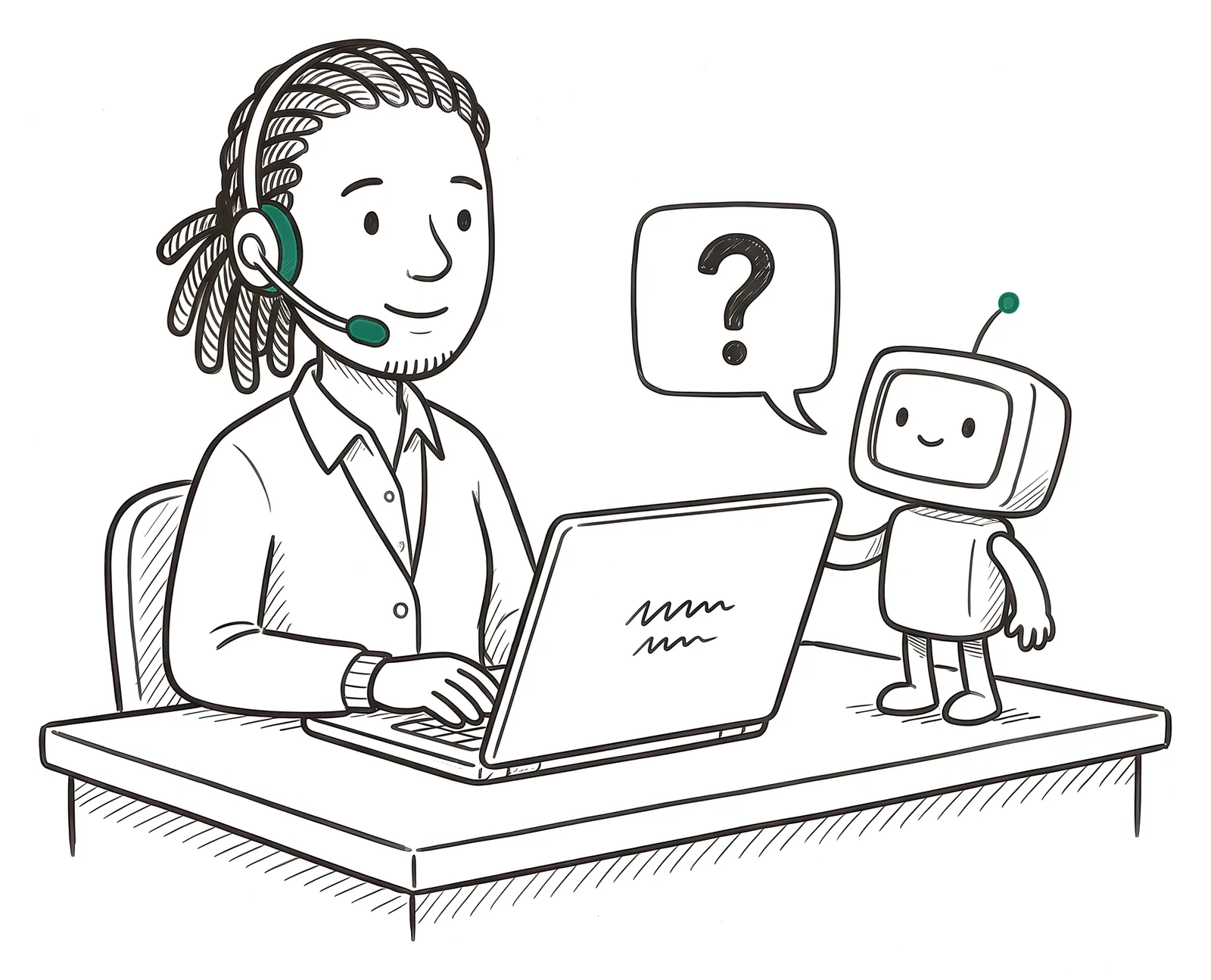
Stuck? Ask for help
Try "Help me write a prompt for this," "How would you improve this prompt?", or "Interview me one question at a time."
Read what it suggests and fix anything that's off before you use it.
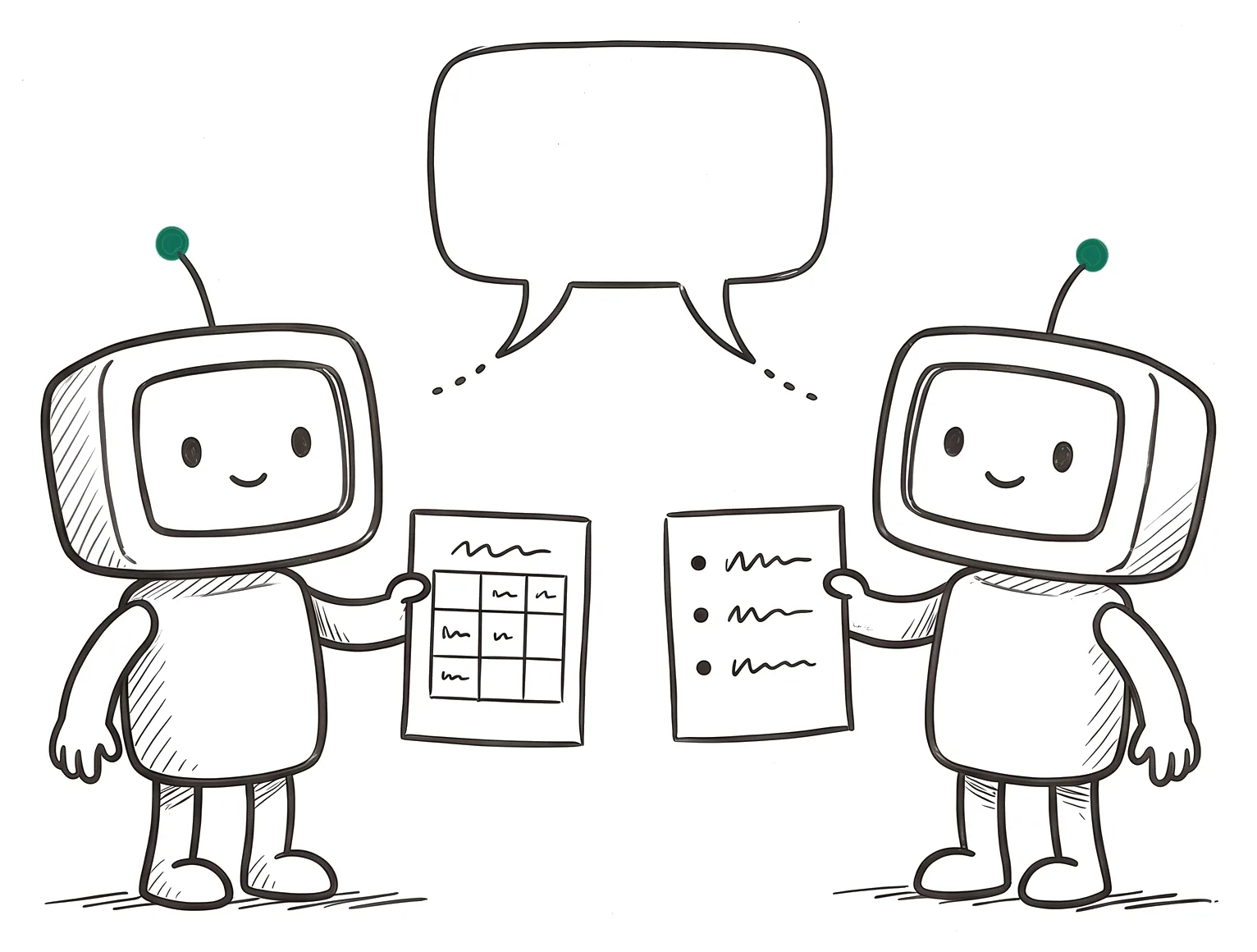
Same request, different answer
The tool predicts each next piece of text, so the same prompt can come back worded or organized differently each time. That's response variability, and it's one more reason to read every draft.
When the task changes, start a new chat so earlier details stop shaping the answer.
Choose your next message
Prompting is a conversation. Pick what to send at each turn and see what comes back.
Setup: you're using an AI tool your organization approved for general work. It is not cleared for patient information. Replies are scripted for this lesson.
Check it before anyone relies on it
A complete prompt gets you a better draft, and the draft is still yours. Three steps catch what a fluent draft can hide, and the stakes set how deep you go.
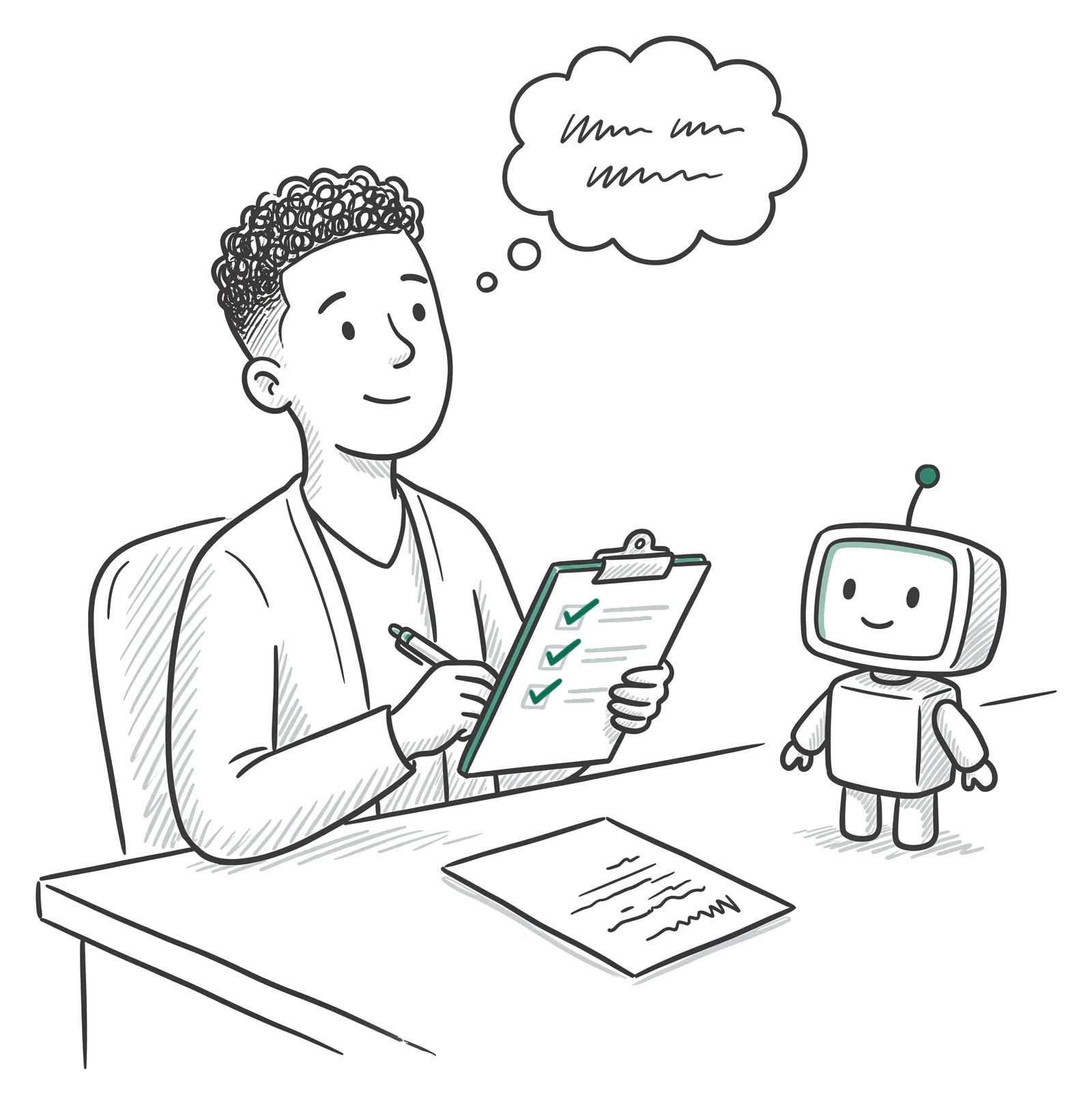 Step 1
Pause
Before you open the draft, decide what you expect it to say. What you know about the situation shows you what to look for.
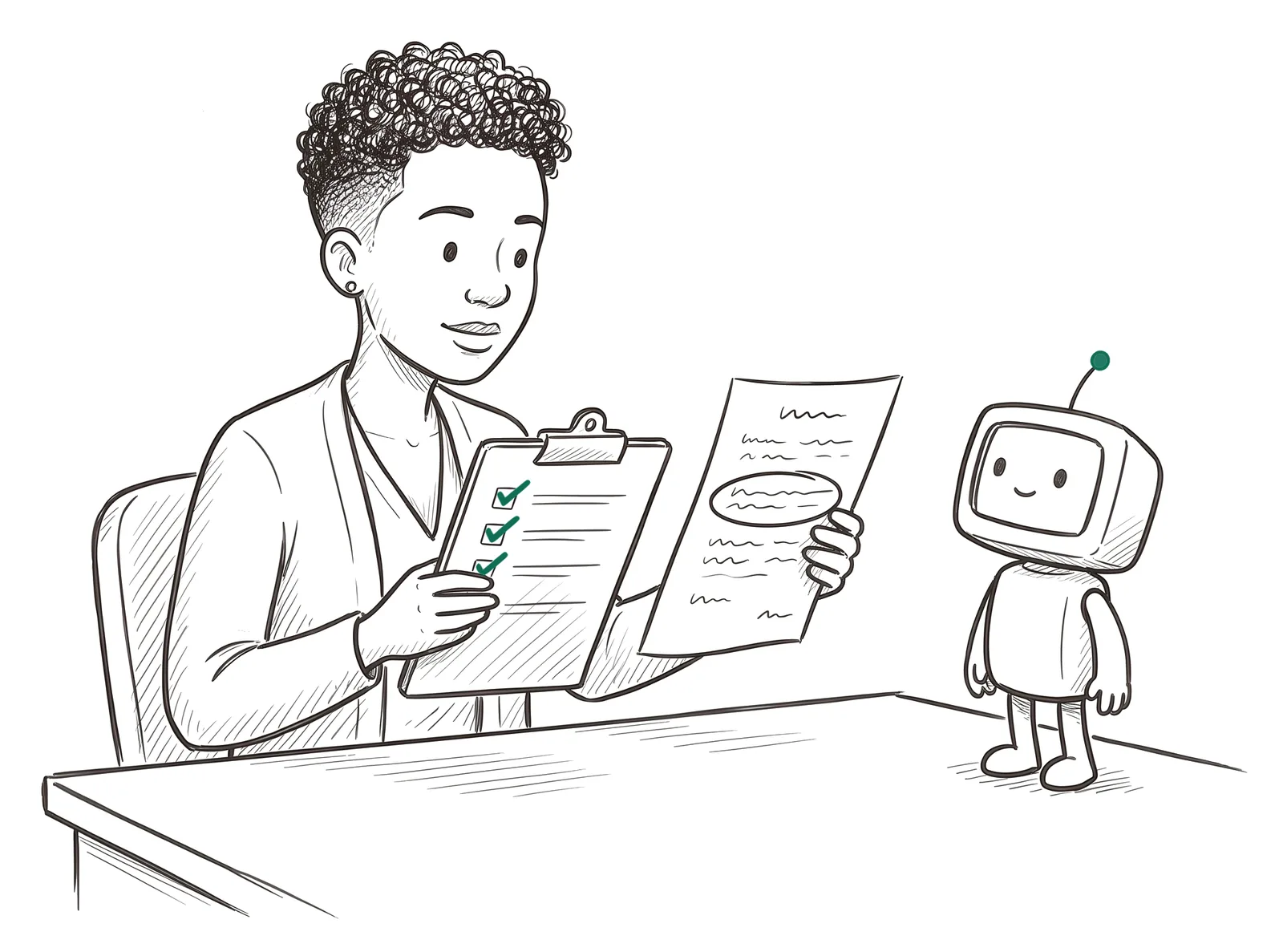 Step 2
Check
Compare the draft with your view and with what the work needs. Look for what's wrong, and for what's missing.
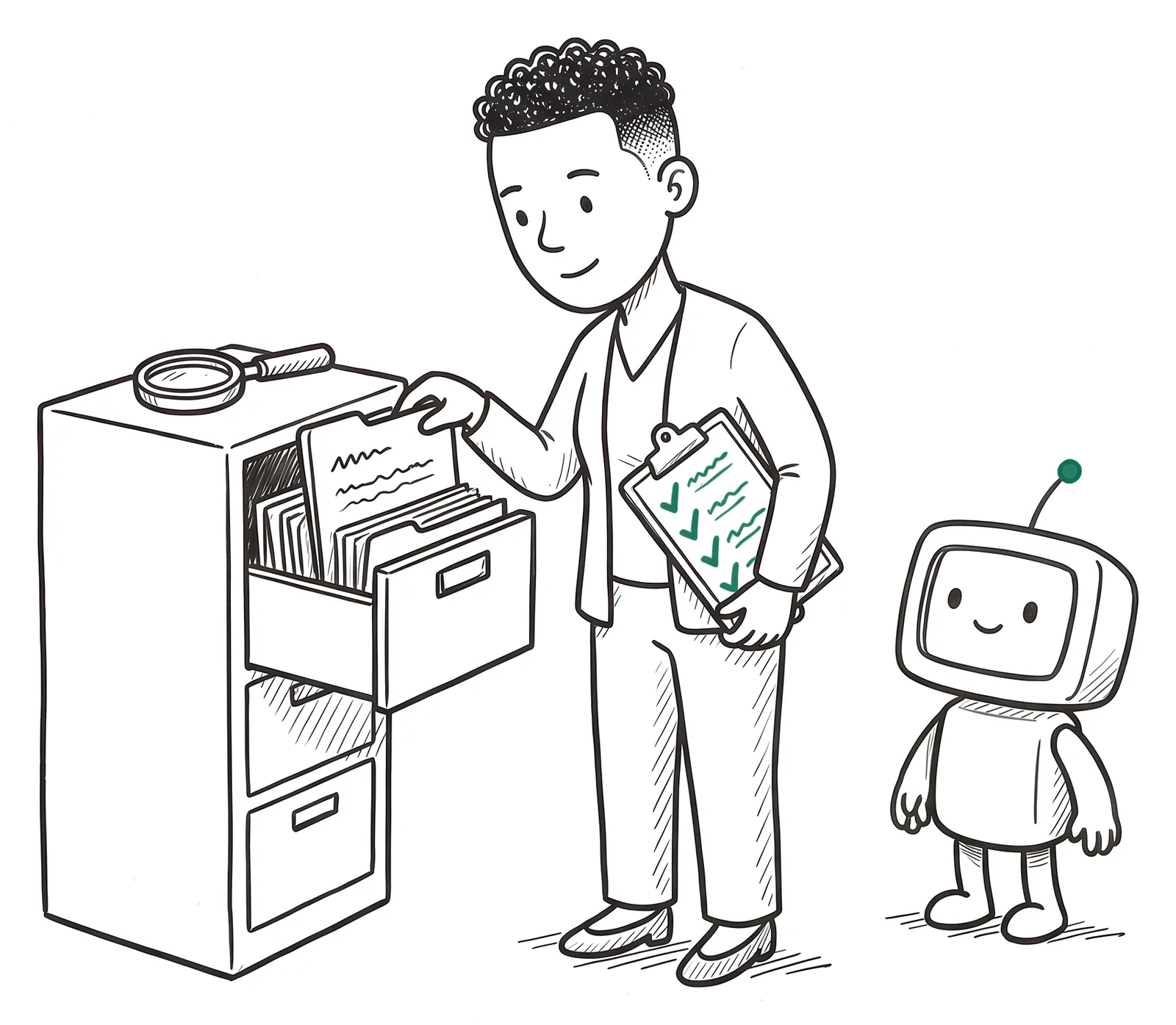 Step 3
Verify
Confirm the details that matter against evidence outside the draft: the source, the record, current policy, or a qualified person. Asking the tool "Are you sure?" gets another generated answer, and tools often back down from a correct answer when questioned.
Try it at three levels of stakes
Pick a level and work through the three steps. Each example is fictional, and the drafts are scripted for this lesson.
Seven quick scenarios
Pick an answer to see feedback. Nothing is scored or saved.
Build your own prompt, and your check
Type a real task. The page puts your prompt together and gives you a pause, check, verify card matched to its stakes.
Nothing you type here is saved or sent. Use placeholders like [patient] or [date], and put real information only into an approved tool.
Your prompt
Answer the three safe-use questions before this goes into any tool.
Your check
Sources
The lesson stays in plain language. These references support its advice. All were accessed September 26 to 29, 2026.
View sources and further reading
- Anthropic. Prompting best practices. platform.claude.comThe new-employee analogy, examples to steer format and tone, roles to shape tone, and placing long documents above the request.
- OpenAI. GPT-4.1 Prompting Guide. developers.openai.comPlacing instructions before and after long context.
- OpenAI. Prompt engineering guide. developers.openai.comUsing examples to steer the response.
- Google. Gemini for Google Workspace: Prompting guide 101. October 2024. services.google.comTask, context, and format; prompting as a conversation; asking the tool to improve your prompt.
- Sharma M, Tong M, Korbak T, et al. Towards Understanding Sycophancy in Language Models. ICLR 2024. arxiv.org/abs/2310.13548Leading prompts pull responses toward what the user signals, and assistants often wrongly admit mistakes when a user asks "Are you sure?"
- Zheng M, Pei J, Logeswaran L, Lee M, Jurgens D. When "A Helpful Assistant" Is Not Really Helpful: Personas in System Prompts Do Not Improve Performances of Large Language Models. Findings of EMNLP 2024. arxiv.org/abs/2311.10054A role does not make factual answers more accurate.
- U.S. Department of Health and Human Services, Office for Civil Rights. Business Associates. hhs.govWhat a business associate agreement is and when one is required.
- U.S. Department of Health and Human Services, Office for Civil Rights. Minimum Necessary Requirement. hhs.govSharing only the information a task needs.
- Code of Federal Regulations. 45 CFR 164.404, Notification to individuals. ecfr.govWhen a breach counts as discovered, and the notification deadline that makes fast reporting matter.
- National Heart, Lung, and Blood Institute. High Blood Pressure. nhlbi.nih.govThe health facts in the patient-handout example.
- Centers for Disease Control and Prevention. Heart Attack Symptoms, Risk, and Recovery; Signs and Symptoms of Stroke. cdc.gov/heart-disease and cdc.gov/strokeThe emergency warning signs in the patient-handout example.
- Code of Federal Regulations. 21 CFR 201.326, Over-the-counter drug products containing internal analgesic/antipyretic active ingredients; required warnings and other labeling. ecfr.govThe required stomach bleeding warning on over-the-counter NSAIDs such as ibuprofen names taking a blood thinning (anticoagulant) drug. Supports the patient-message example.
- National Library of Medicine, MedlinePlus. Ibuprofen. medlineplus.govTell your doctor before taking ibuprofen if you take anticoagulants ("blood thinners").